Settings
Your profile, sign-in, notifications and appearance, and the workspace settings for the Library, access, billing and the API.
Settings at the foot of the rail opens with its own menu in the rail's place, in two groups.
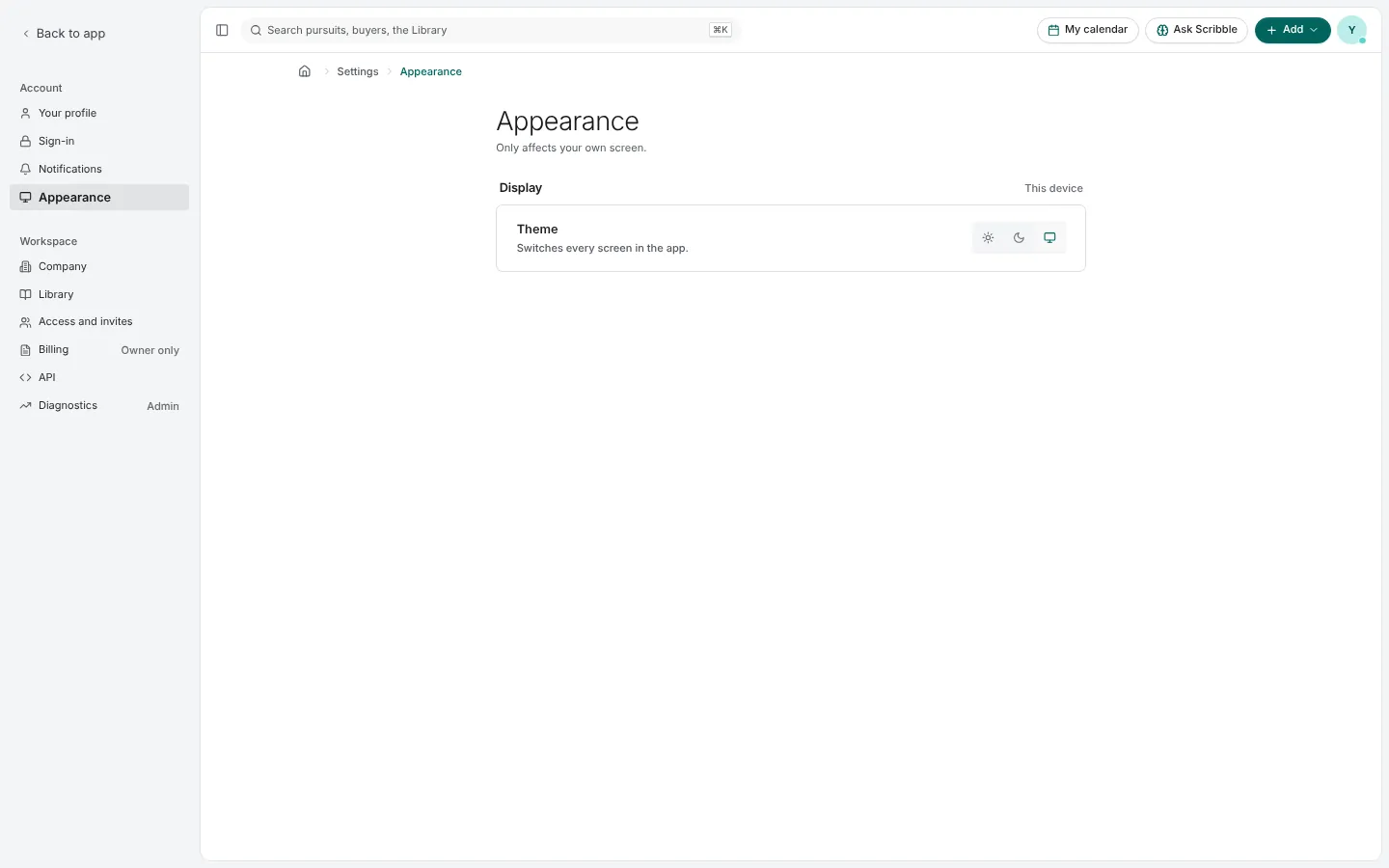
Account
- Your profile: your name, photo, title and phone, shown to teammates.
- Sign-in: your password, passkeys, authenticator codes and the workspace's two-step verification policy. Change your password here; you can sign out your other devices at the same time.
- Notifications: which kinds of notification reach your inbox and your email. Turning one off hides it; turning it back on shows what arrived meanwhile.
- Appearance: Light, Dark or Match system.
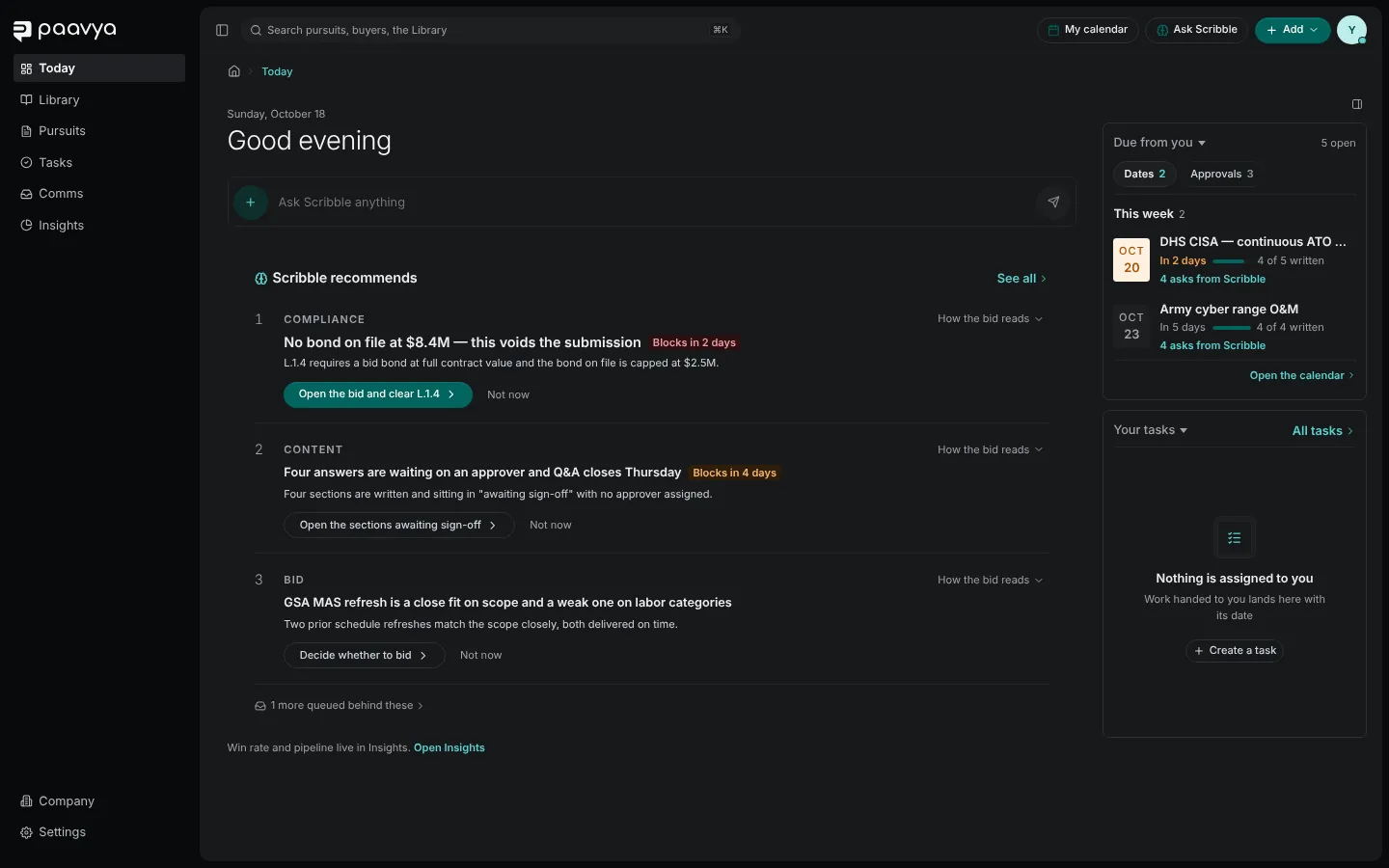
Workspace
- Company: your company profile. See Your company profile.
- Library: bringing an existing Library onto the trust chain, and the second-approver rule for certification and compliance claims. See The Library and its Health.
- Access and invites: members, roles, invitations, delegated access and what Scribble may do for each role. See Inviting your team.
- Billing: your plan and usage. Owner only.
- API: keys for connecting your own systems.
- Diagnostics: for administrators.
Pictures are from Paavya's demo workspace, so names, bids and figures are illustrative. Something here does not match what you see? Tell us, or ask Scribble in the app.