Pursuits2 min read
A pursuit now asks one question at a time
Open a pursuit and it takes the whole screen, asking the next thing the bid needs and whose it is, with a map of topics at the left and Scribble's help at the right.
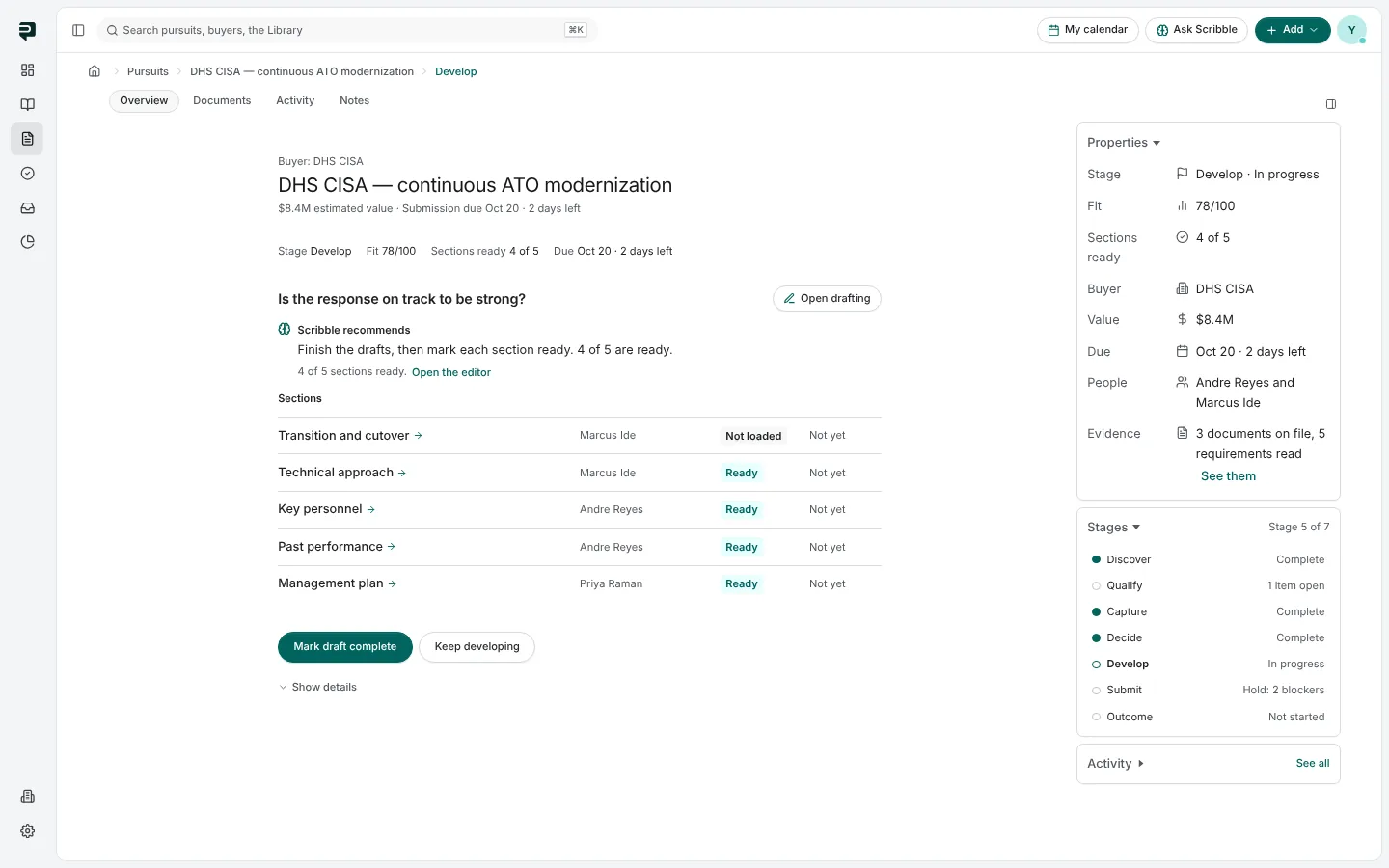
A pursuit used to open on a long page. It now opens on a question: the next thing the bid needs, and whose it is.
The layout
- The band across the top: the name and the buyer, the estimated value with where it came from, the fit out of 100 with its confidence, and how many of the pursuit's questions are answered.
- The map at the left: the pursuit's topics in order, from The opportunity to The result, each done, in progress or still to come.
- The question in the middle, asked the way a person would ask it, such as So, should you go for it?, with one button that answers it on the page and asks you to confirm before anything is recorded.
- Scribble at the right: what it can do for this question, and answers under Learn more.
When a question belongs to someone else, the page says Waiting on them instead of showing you a button.
Everything else is one press away
Zoom out in the band opens the record: the topic's own work, the signals behind the call, the Decision card, Members, the pursuit's properties, Activity and the views, including Documents.
Starting a pursuit asks who is buying
Start a pursuit now asks Who is buying? first. A government buyer and a commercial buyer each get their own ways in, and a commercial opportunity that has no RFP yet does not wait on a deadline.
Pictures are from Paavya's demo workspace, so names, bids and figures are illustrative.