Home2 min read
Home now starts your day with Today's session
Home ranks what needs you across every bid, most urgent first, and walks you through it one item at a time, with your pipeline, your week and your team beside it.
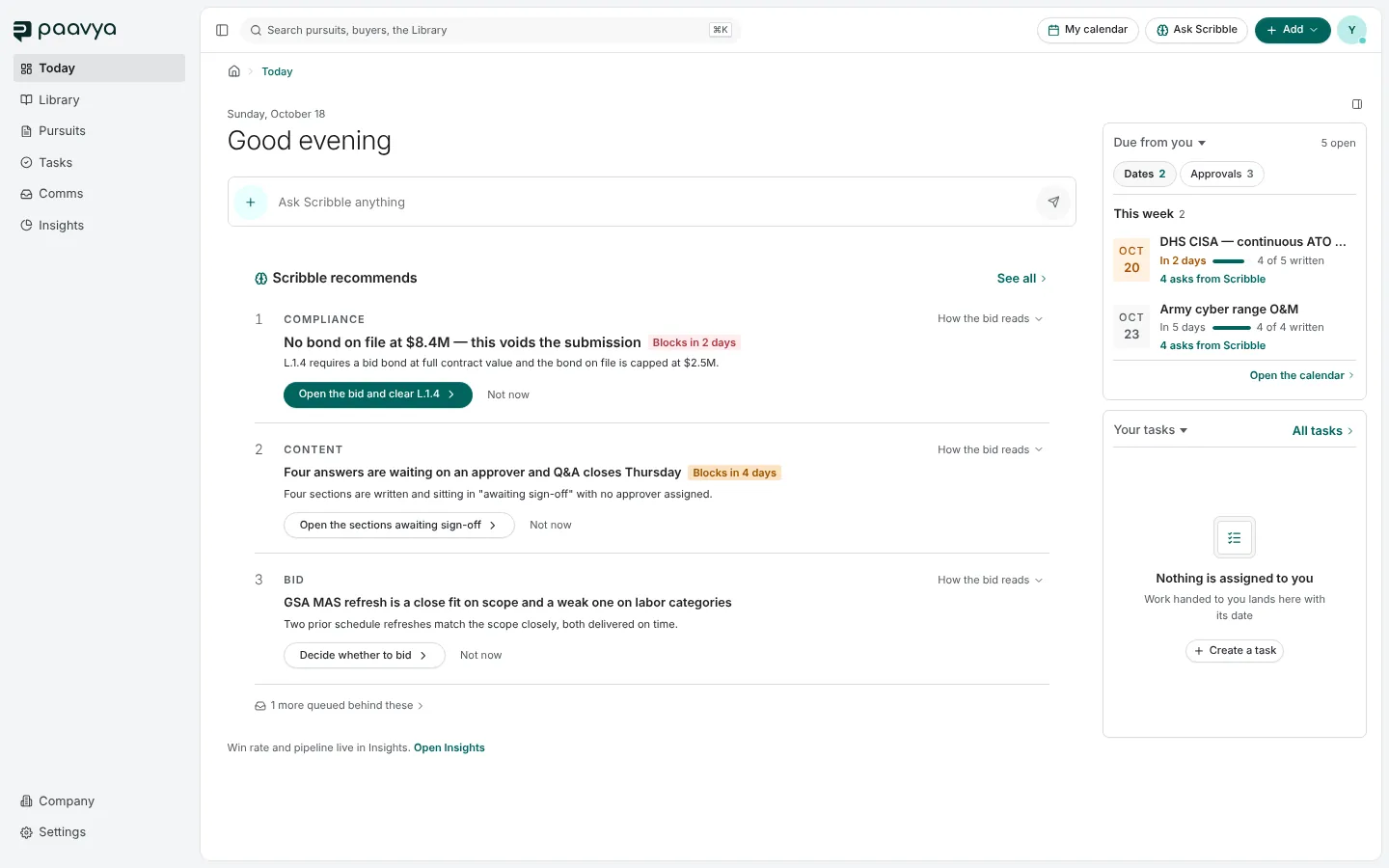
Home used to be a page of sections to read. It is now a place to start. Today's session leads it: your work for today, ranked across every bid you are on, and one button that walks you through it.
What comes first
The order is the same everywhere Paavya ranks your work:
- Whatever could sink a bid, such as a pass/fail clause still open close to the deadline.
- Then a hard date.
- Then anything holding a bid up.
- Then your own work, by date.
Each item says who asked for it, such as Scribble suggests or Assigned by a teammate, so a suggestion never reads as somebody's assignment.
Start my session
Press Start my session, or the S key, and Paavya opens the first item where its work happens. A small bar stays at the foot of every page while the session runs, with Skip, Next and Finish later. You never tick an item off: it counts as done when the work it asked for is recorded.
Focused sessions and your pipeline
Under the card, focused sessions run one kind of work at a time: Bid calls, Approvals, Suggestions to check and, for people who approve Library content, Library upkeep. Your pipeline counts your open pursuits by where they stand, from Qualifying to After submission, with the value the pursuits state. The side panel holds Ask Scribble, This week and Team.
Pictures are from Paavya's demo workspace, so names, bids and figures are illustrative.