Pursuits2 min read
Log what happened with a buyer, private until you share it
Record a meeting, a call or an email with a buyer from the Add menu. It stays yours until you share it with the pursuit's team, and the pursuit reads it as one timeline.
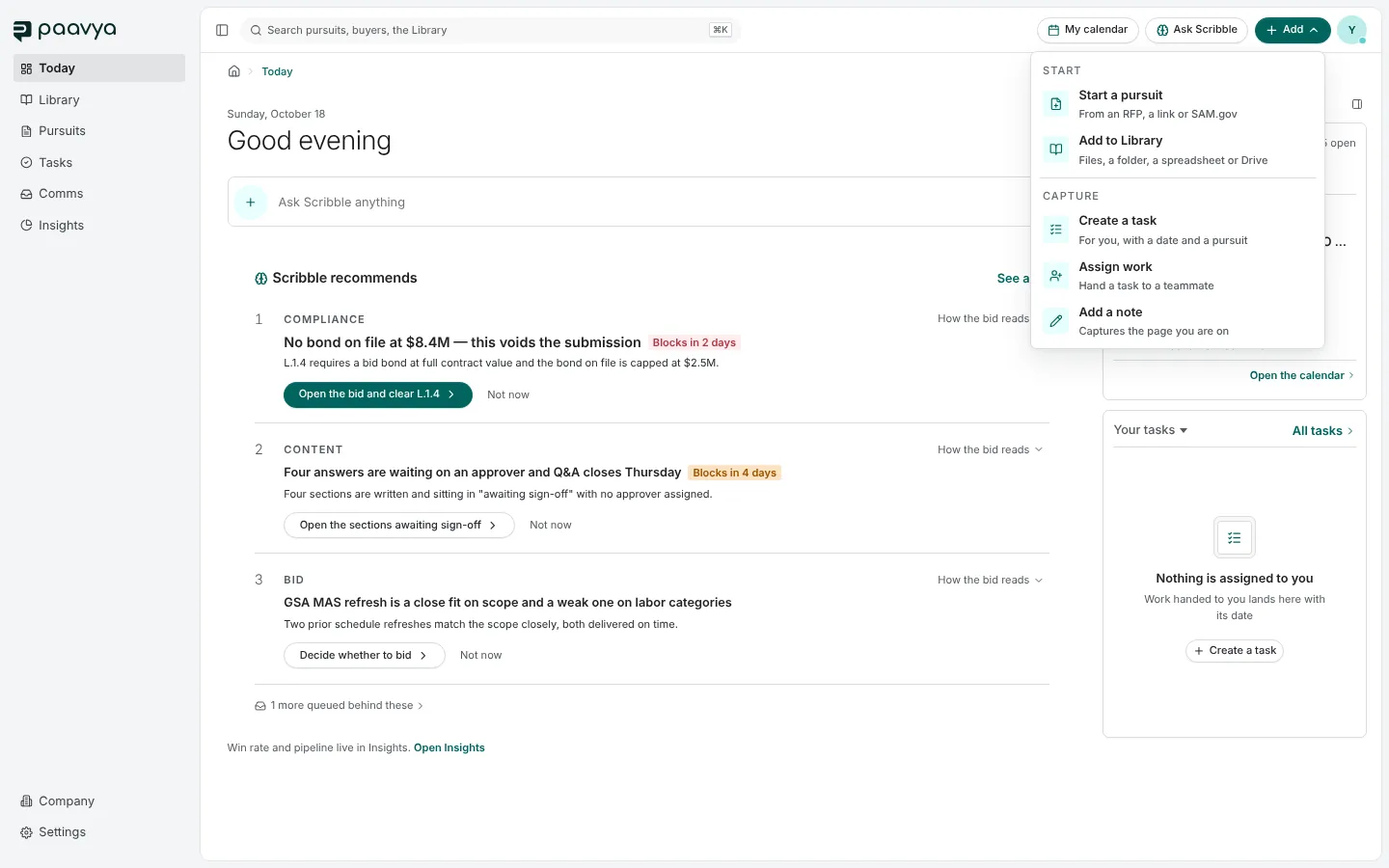
A lot of what decides a bid happens outside the software: a call with the buyer, an industry day, a thread of email. Log what happened gives it a place.
Where to find it
Log what happened is in the Add menu in the top bar, and in a pursuit's More menu. Record what it was, who was there, a short summary and the few lines worth quoting, and anything it produced, such as a commitment, a question or a next meeting.
Private until you share it
What you log is yours until you share it with the pursuit's team. Once shared, it joins the pursuit's Activity, read as one timeline with everything else that happened on the bid.
A conversation binds nothing
What was said in a meeting never overrides what a solicitation or an amendment says in writing. Paavya reads what you logged for what it might change, and if it touches the bid call, the deadline or an accepted risk, it suggests re-checking the call. The call itself is never changed for you.
Pictures are from Paavya's demo workspace, so names, bids and figures are illustrative.